With the integrated AI Visualizer, ALLPLAN revolutionizes early-stage architectural design and how you communicate with clients. We'll show you what the AI Visualizer is particularly suited for and how to tell the AI what you want.

AI is changing the way designers work, both on a long-term and current level. Time-consuming processes are significantly reduced, and creativity is increased. To enable architects to use advanced AI design now, ALLPLAN has included integrated generative AI with an AI Visualizer in its 2025 version. It thus provides significant support in generating ideas and making decisions for their projects. It also translates architects' ideas into high-quality images with just a few instructions (prompts), providing a real boost to creativity.
We show which use cases are particularly suitable for the tool and how to get the most out of it.

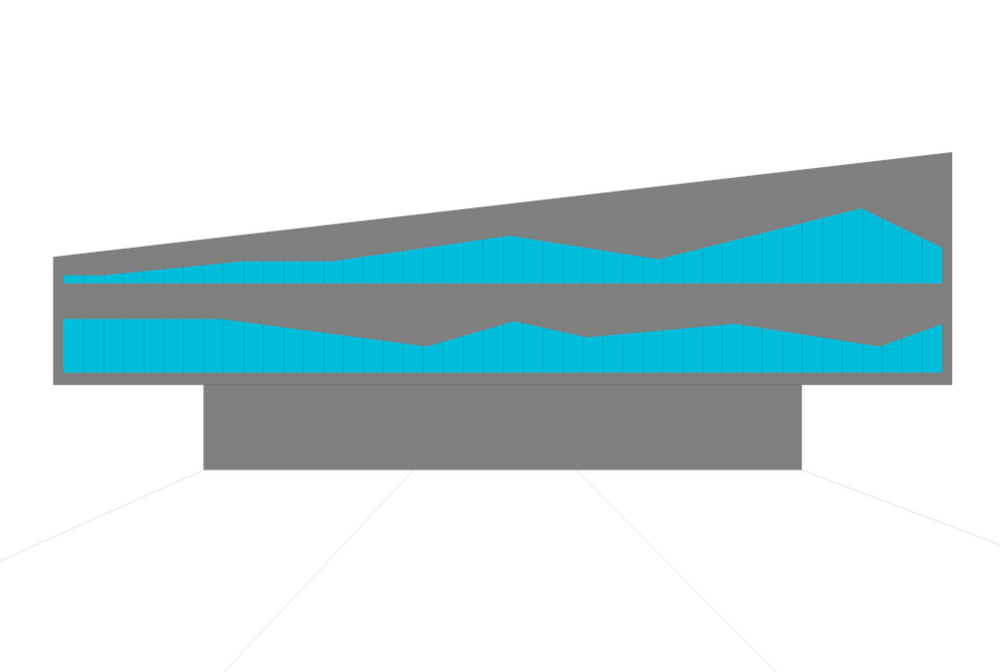
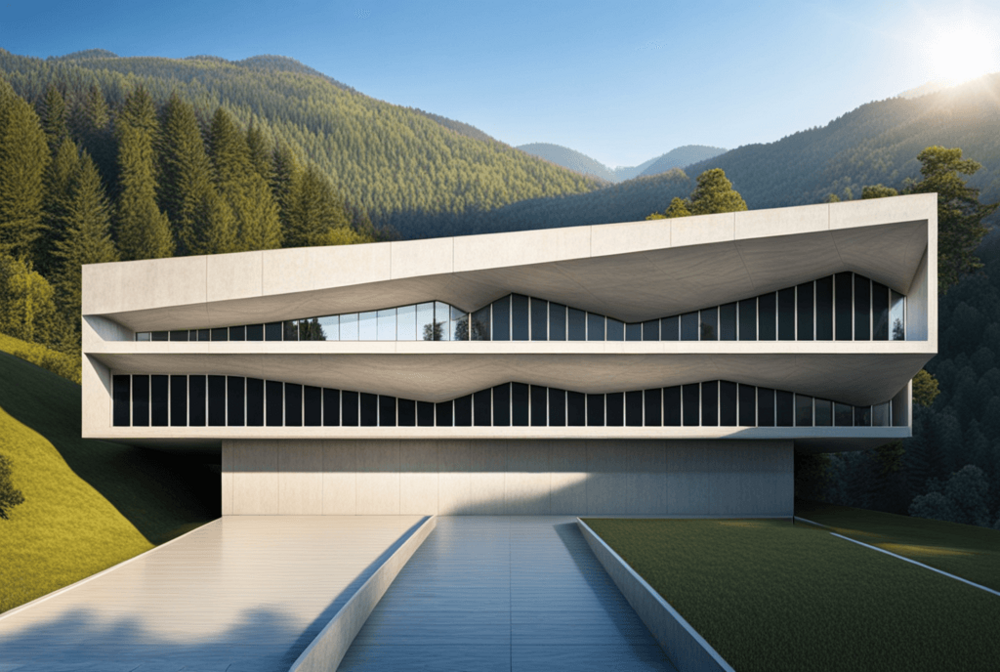
The AI Visualizer in ALLPLAN is based on the text-to-image generator “Stable Diffusion” from Stability AI. The underlying diffusion model, a unique form of generative AI process, was trained using a publicly available dataset (LAION-5B) consisting of approximately five billion images with image descriptions. Image generation follows the principle of stochastic diffusion. The process begins with an image source – for example, a 2D sketch, a photograph, or a perspective view of a digital building model. A layer of noise (random visual static) is added, which is then gradually reduced in several steps, guided by a specification (prompts). The result is a new image that reflects the characteristics defined in the prompt.

Although the results of the AI Visualizer look fantastic, the AI tool does not replace (at least for now) a classic rendering program like Cinema 4D. The tool's greatest strength currently lies in generating ideas related to materials, architecture, and design choices. For instance, impressively realistic interior design scenarios can be created based on rudimentary 3D models. Even a simple photo of a building's facade is sufficient to generate architectural ideas for its renovation. Similarly, simple cubic models can be used to quickly go through various options for further architectural design. The tool is also particularly precise in creating suitable environments, atmospheres, moods, and seasons.
The quality and creativity of the results depend on the prompts used. The latter should therefore ideally consist of the following elements:
Object properties
This includes the specific naming of the type of (architectural) object that is the focus. While the order of other elements has little or no impact on the result, the object's character should always come first.
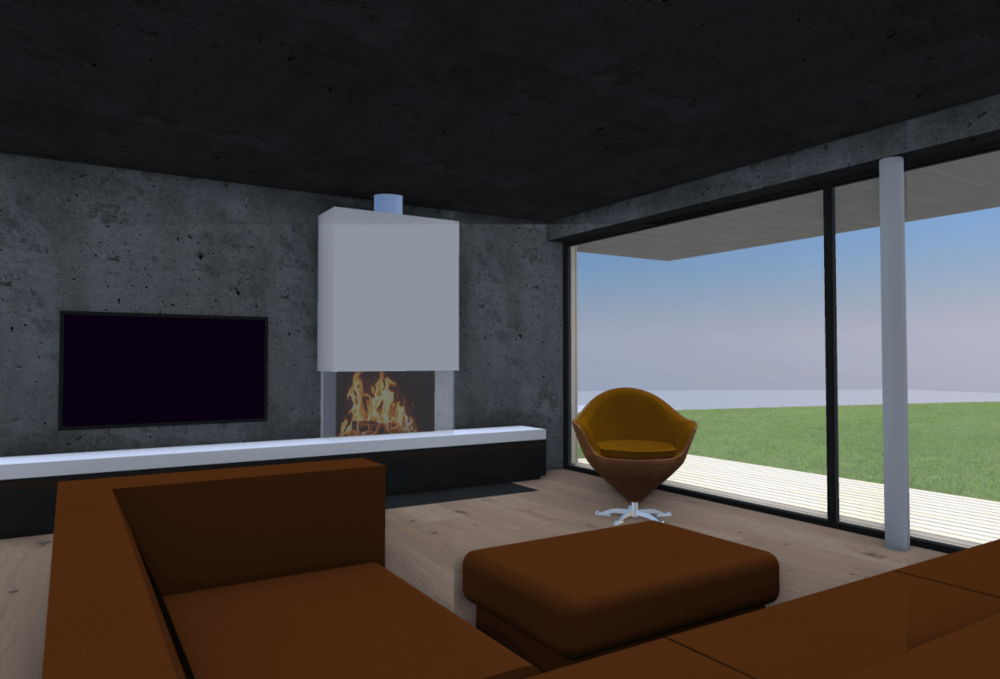
Examples: modern office building; futuristic hotel; minimalist pavilion
Style
Enter just a few words, like ‘Zaha Hadid’, and the AI Visualizer starts working. It understands architectural history and can adapt to your style preferences.
Examples: in the style of Zaha Hadid; by David Chipperfield; by Frank Lloyd Wright
Materials and Surface Textures
What materials or surface finishes should be used?
Examples: concrete walls; brick facade; wood cladding, floor tiles
Mood/atmosphere
What time of day or season should it be? What kind of atmosphere do you want to create?
Examples: gold watch; morning mist; sunset light; ambient light, winter
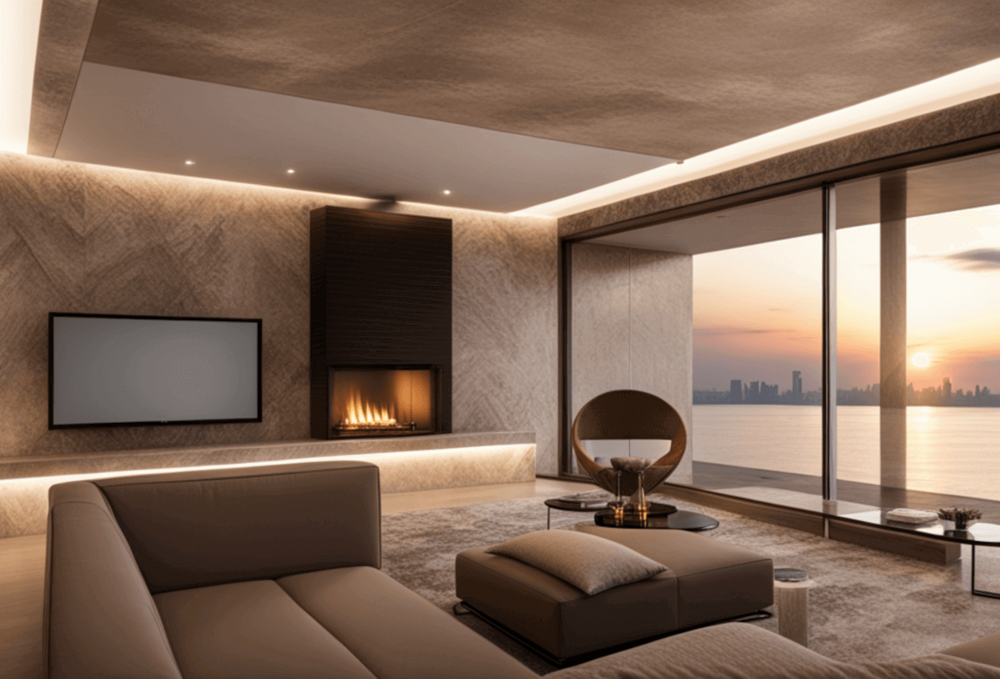
Environment/Background
Define the background or context of the landscape in which the building is to be viewed.
Background forest, mountains and lake, ocean view
Image type/medium
Depending on your needs, the image can be generated in various styles.
Examples: digital painting; realistic photography; conceptual art; sketch
Quality and aesthetics
With the right words, powerful effects can be achieved by controlling the aesthetics and image quality.
Examples: high detail; professional; baroque; pleasant; luxurious
Examples of queries that take into account these elements:
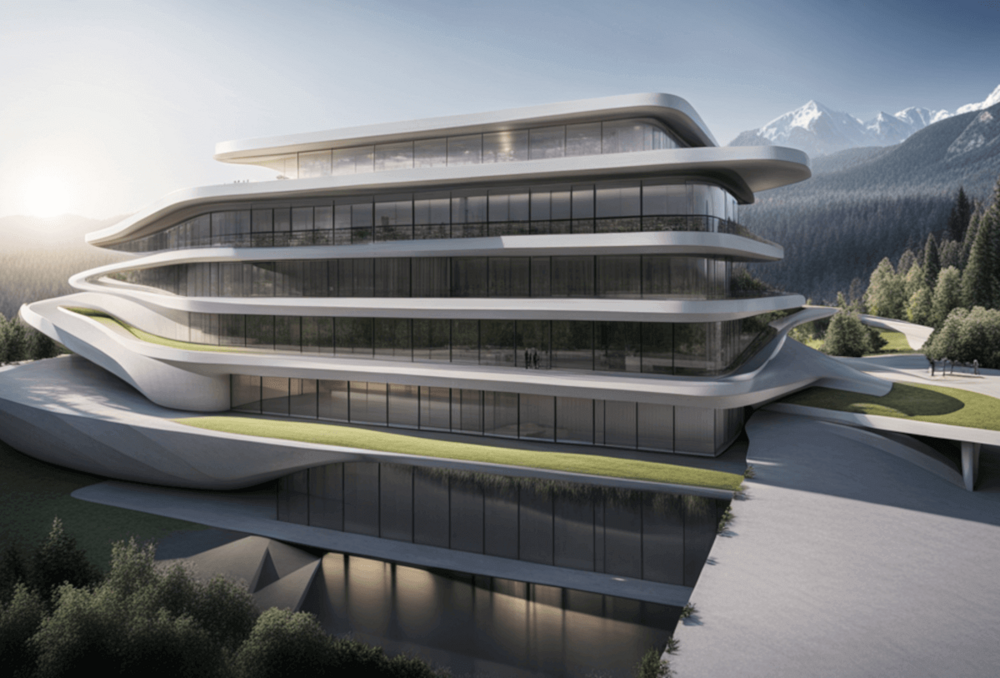
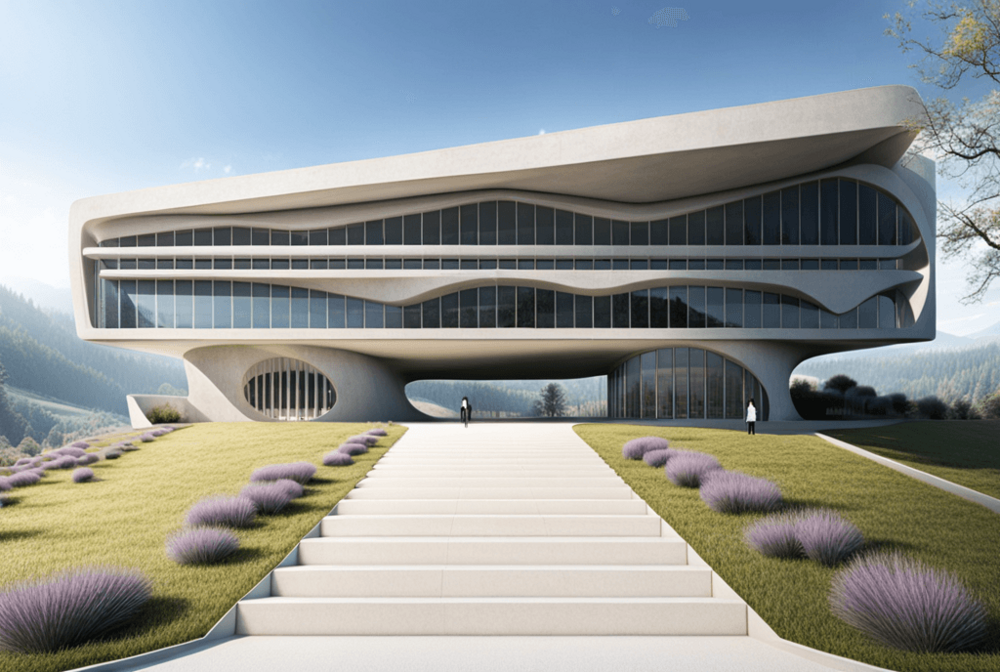
„Modern futuristic architecture in the style of Zaha Hadid, concrete walls, rolling hills and forest in the background, stunning image, sunny sky“
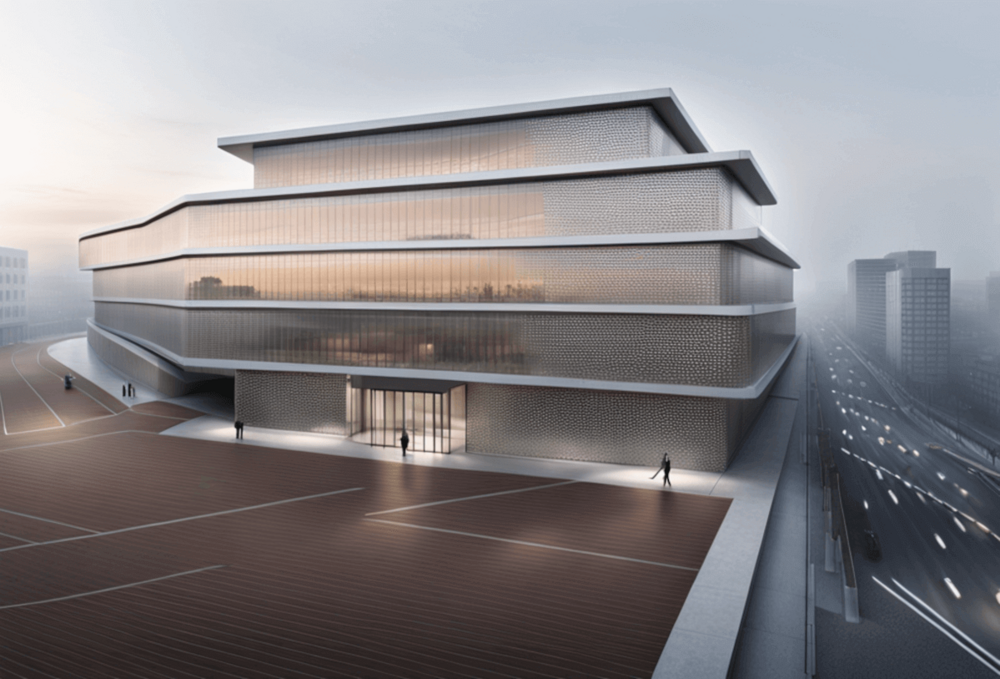
„Modern office building by David Chipperfield, Illumesh metal mesh, visual rhetoric, street-facing, morning, fog“
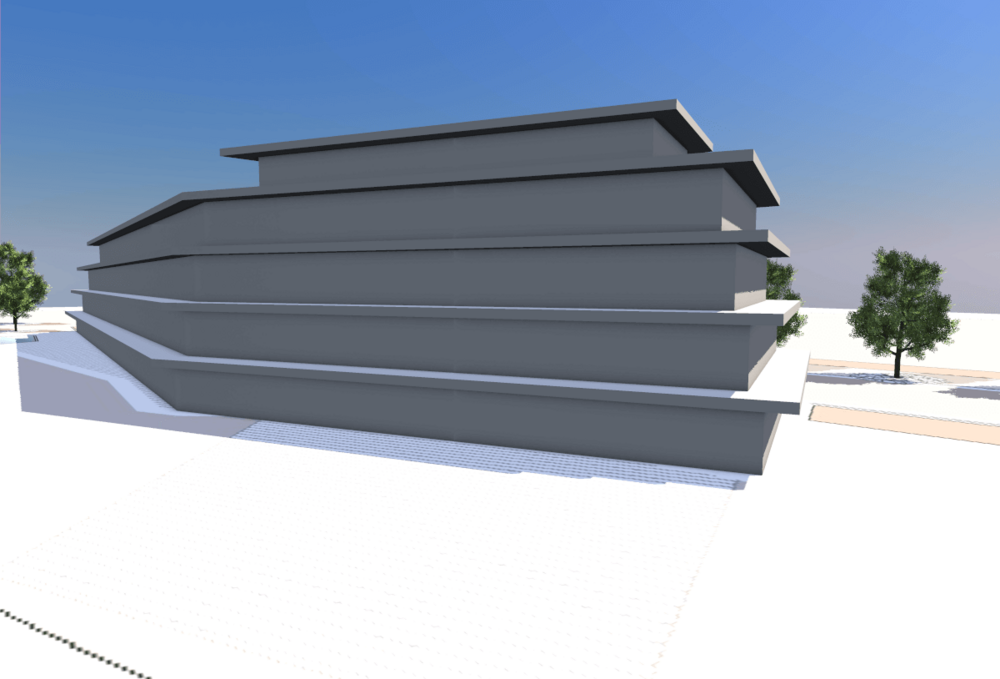
By using certain characters and values in queries, results can be further customized and controlled more precisely.
Example of element prioritization in a query
In the AI Visualizer, the degree of creativity used in image generation can also be controlled with a value between zero and 100. The lower the creativity value, the closer the result is to the original image. If, on the other hand, the value is increased, the generated image increasingly deviates from its source.
As the example queries show, the preferred language input for AI Visualizer is English. Other languages also work, but results are more accurate with English prompts. If you don't feel confident in this area, you can simply have your prompts translated by another AI like Deepl. ChatGPT also provides advice on how to improve your prompts.
Macherei Berlin-Kreuzberg: Innovation in Wood and Concrete
Three major examples of sustainable construction are being built in Macherei Berlin-Kreuzberg, including an innovative wood-concrete hybrid building.
Mülheim Zeppelin Hangar: A Masterpiece of Innovative Timber Construction
In the multi-award-winning Zeppelin Hangar in Mülheim, visionary engineering meets uncompromising sustainability. The construction was designed using ALLPLAN.
AI Visualizer in ALLPLAN: Use Cases and Prompt Examples
With the integrated AI Visualizer in ALLPLAN, there are no limits to your creativity when designing. We show you what it's particularly good for and how to say what you want.
Transparent Science in Basel: BSS Laboratory and Research Building
The BSS laboratory and research building defends science and research through proactive transparency.
GEN-AI: The AI Revolution in the Construction Industry
AI in Construction: André Borrmann on Knowledge-Based Engineering
6 Questions about AI in Architecture
AI in Architecture: Fueling Creativity in Design with Images
Source: https://www.allplan.com/blog/ai-visualizer-in-allplan-use-cases-and-examples-for-prompts/
This article was translated and published with permission from the source.